

Quick Example
Spoken Word Index
Transcribes audio into timestamped text using automatic speech recognition (ASR).- Dialogue and conversations
- Narration and voiceovers
- Lectures and presentations
- Interviews and podcasts
Language Support
Major languages are auto-detected. For others, pass the language code:Scene Index
Analyzes video frames using vision models to describe visual content.- Objects and people
- Actions and activities
- Environments and settings
- Visual transitions
Prompt Shapes the Index
The prompt you provide determines what gets indexed:Extraction Configuration
Control how frames are sampled - choose between frame segmentation (regular intervals) and scene segmentation (automatic transitions):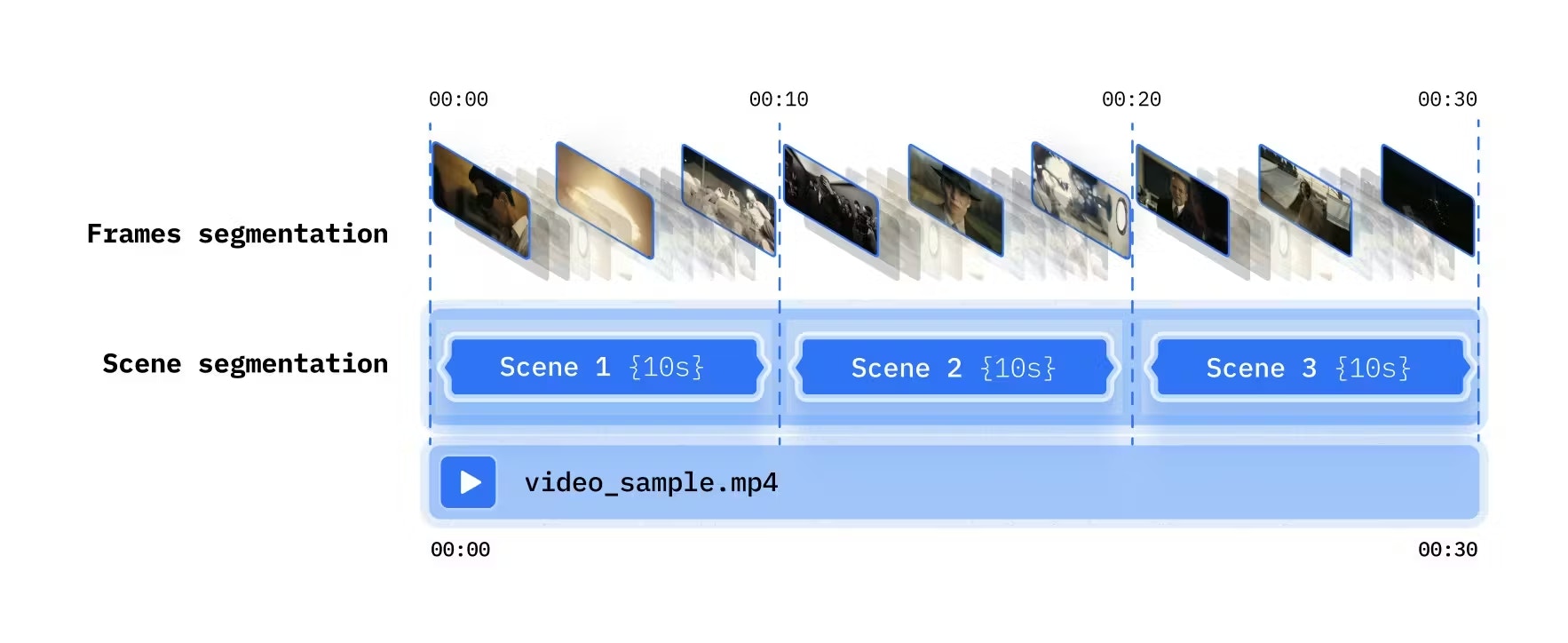
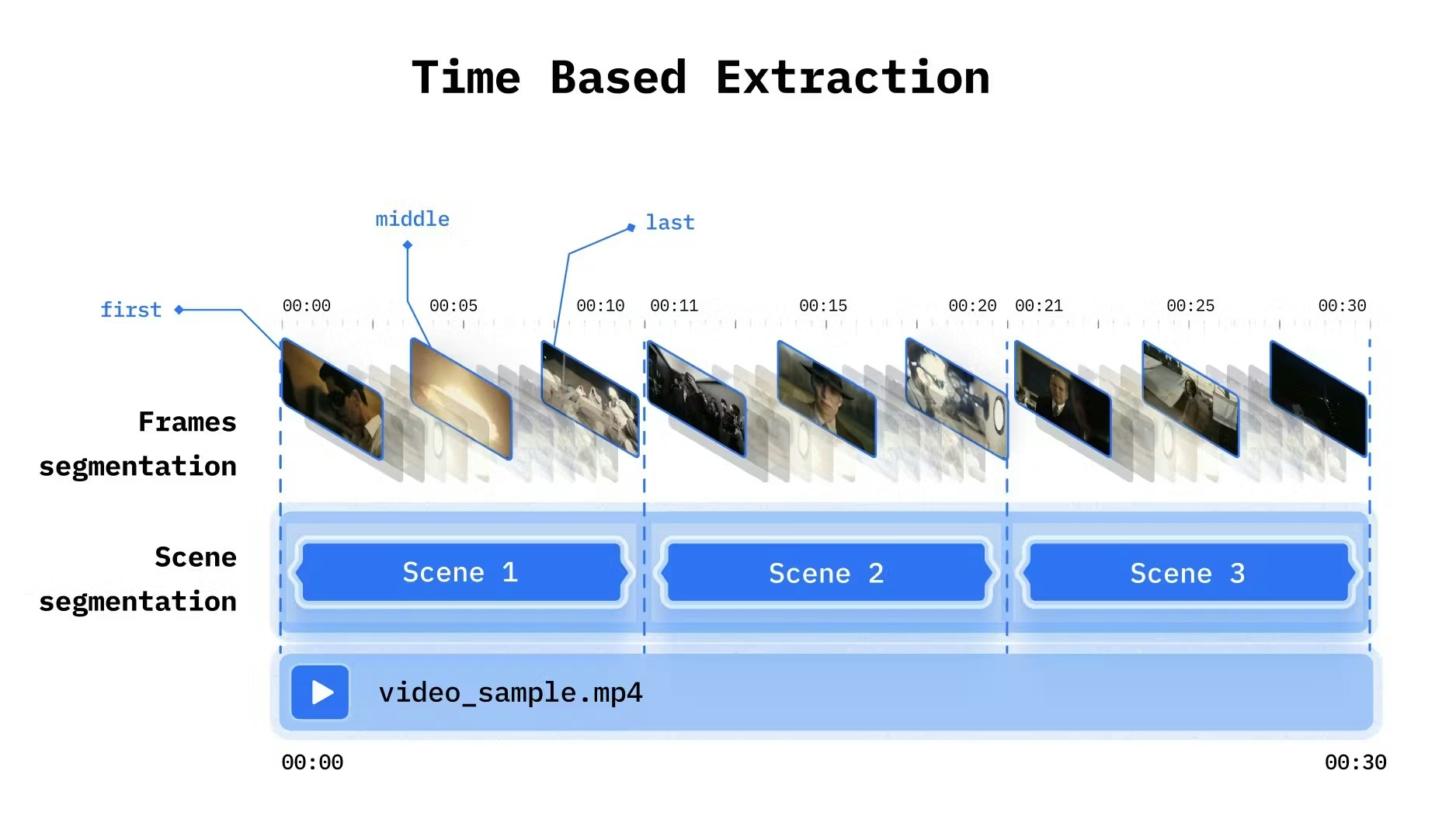
Managing Indexes
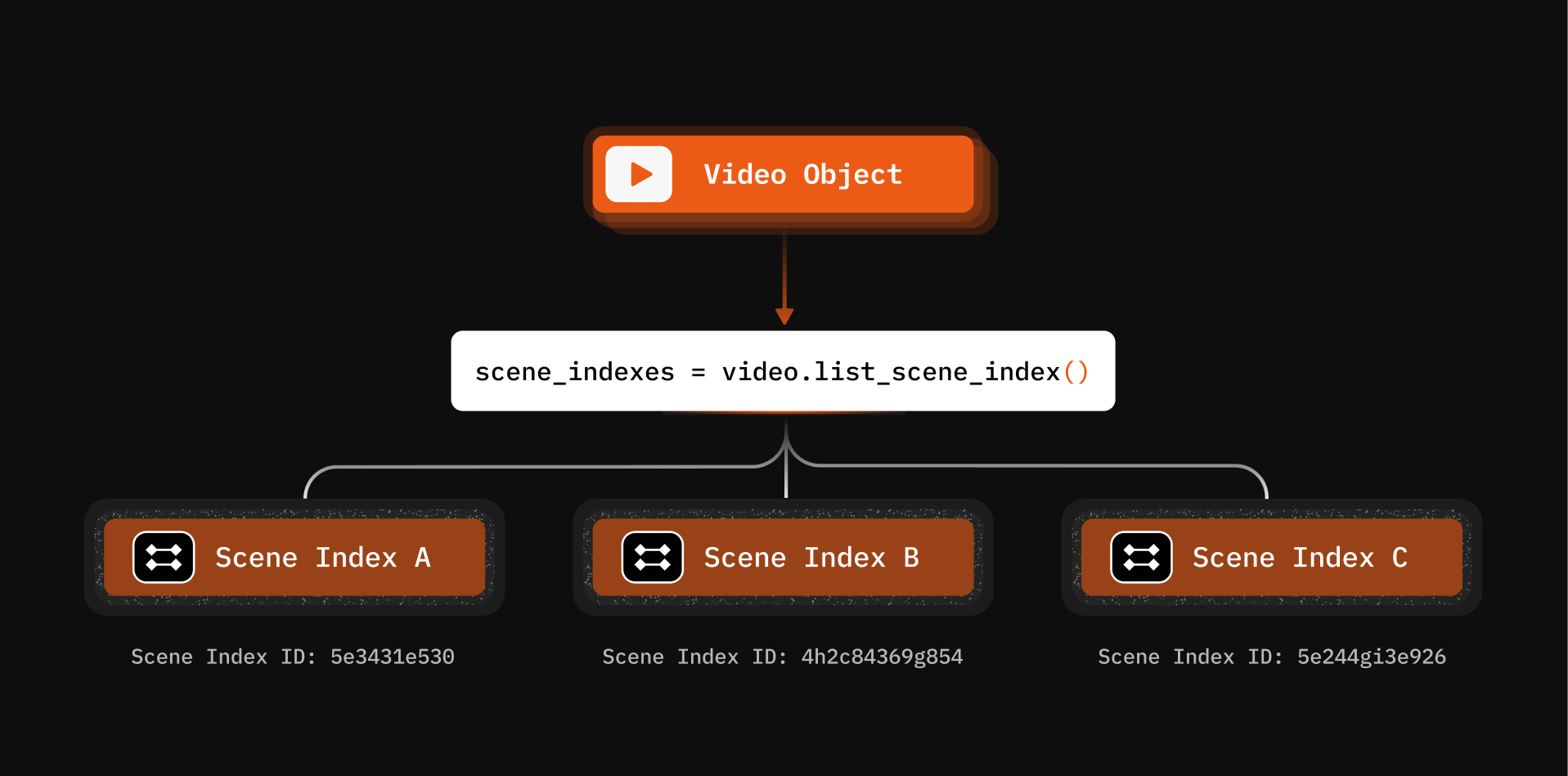
List All Scene Indexes
Get Index Details
Delete an Index
Async Processing with Callbacks
For long videos, use callbacks to get notified when indexing completes:What You Can Build
Keyword Search Compilation
Index spoken words, then search to create highlight reels
Multimodal Search
Combine spoken word and scene indexes for powerful queries
Baby Crib Monitoring
Scene indexing enables real-time infant monitoring
Intrusion Detection
Index camera feeds to detect unauthorized access
Next Steps
Understanding Artifacts
Extraction strategies for video + audio
Multiple Indexes
Layer different perspectives on the same media